| Close | |
 |
|
| Close | |
|
|
|
| Data architecture compiler - Applications
On clicking on the words 'Applications' from the previous menu the information architect will be presented with the following screen (note the drop down menu will only appear after activating the right mouse button): 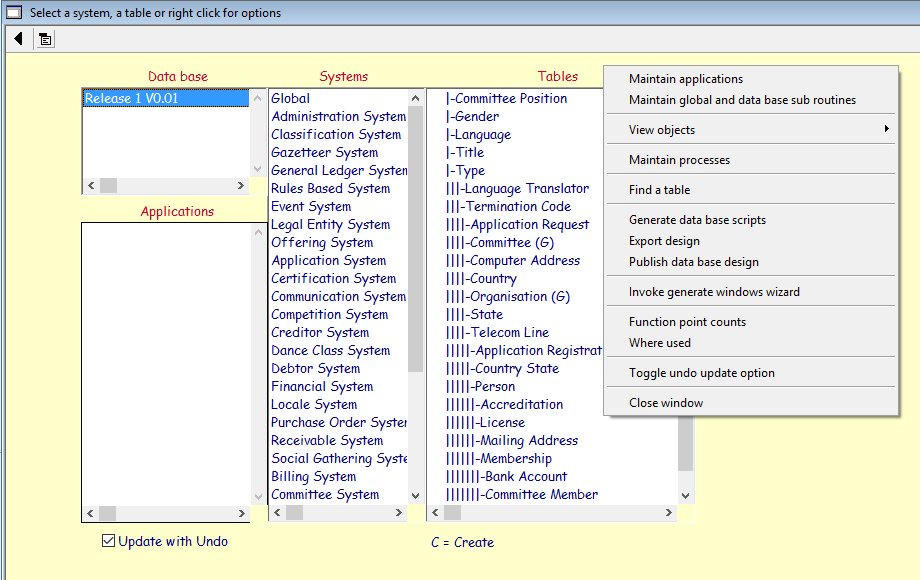 |
|
The RA6 will use this compiler to develop or modify objects such as screens, menus guis etc and to create pseudo code to support them. We also provide a wizard to automatically create a screen for each table. The following screen shows the drop down cascade menu showing all the objects that can be defined with the application compiler: 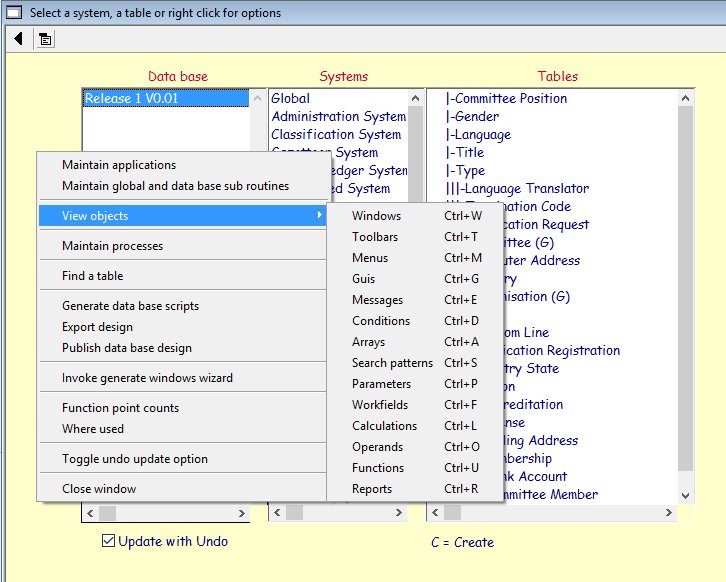 The following screen shows the fields used to populate the Country window as well as the constructor and destructor tags. 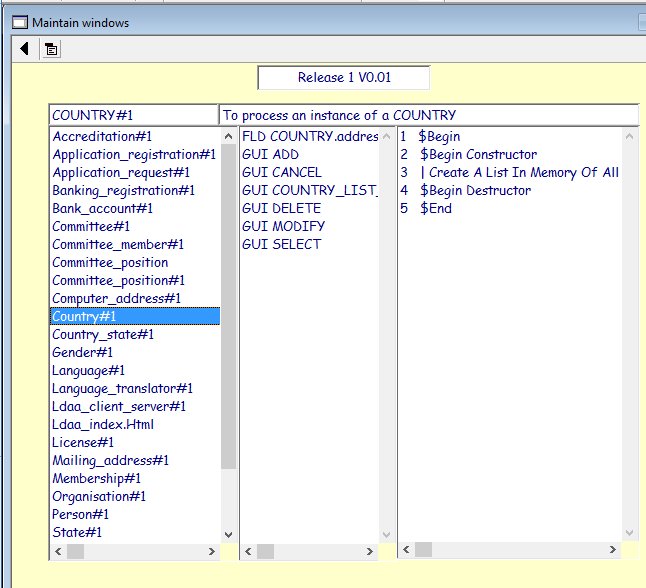 On selecting Design pseudo code from a drop down menu, the following screen will be displayed: 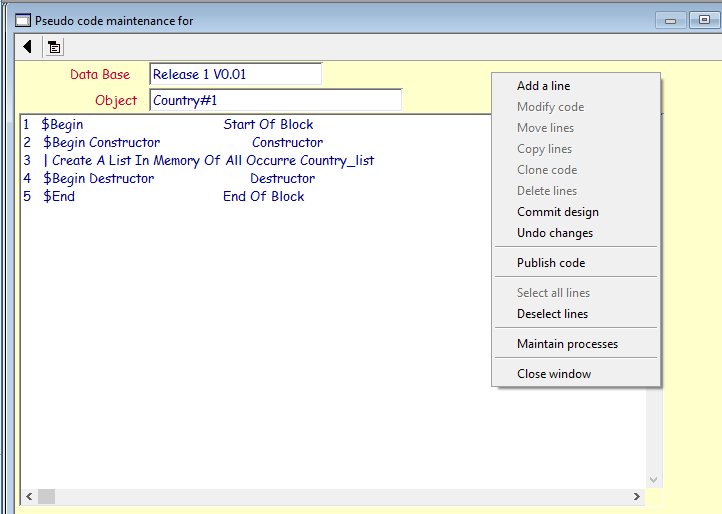 The RA6 will be able to use this compiler to write the pseudo code that will ultimately execute the constructor and destructor code for release 1 for the Country table. |