| Close | |
 |
|
| Close | |
|
|
|
| Data architecture compiler - Facts On clicking on the words 'Facts' from the previous menu the information architect will be presented with the following screen: 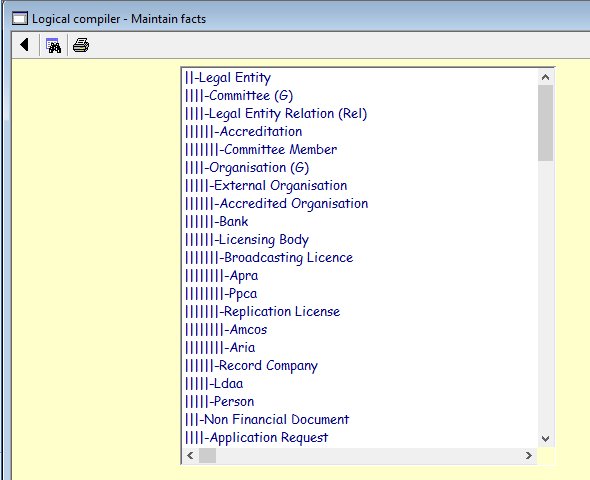 |
|
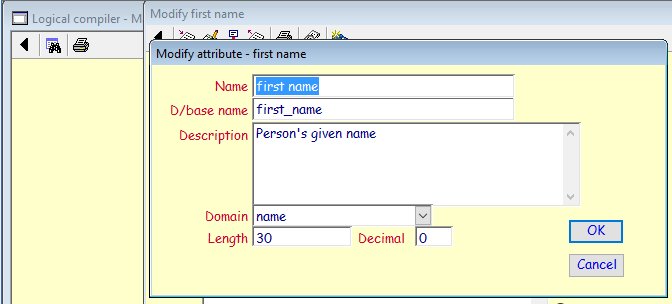
The only entitles that will appear in this list are those that the RA5 selected to become logical. To add or modify attributes, the RA6 will need to double click on an entity name and the following screen will be displayed: 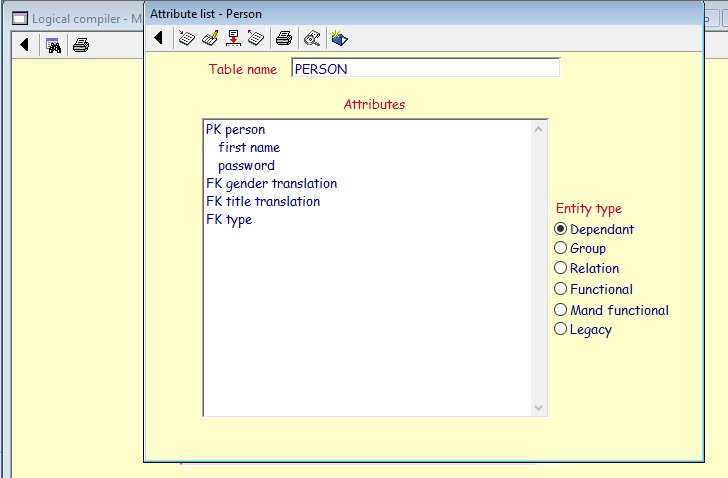 You will note that the surname does not appear in this entity as Person is a subset of Legal entity and hence the surname is actually the legal entity name. When the actual data base is generated and if the legal entity is ignored as a physical table, the legal entity name attribute will be automatically relocated to the person table. If the RA5 wants to make any changes to the attribute, then the following screen will be displayed:
It is here that further properties of the attribute are added. |