| Close | |
 |
|
| Close | |
|
|
|
| Objectives - Measures |
On clicking the word 'Measures' from the Conceptual compiler menu, the information architect will be presented with the following screen: 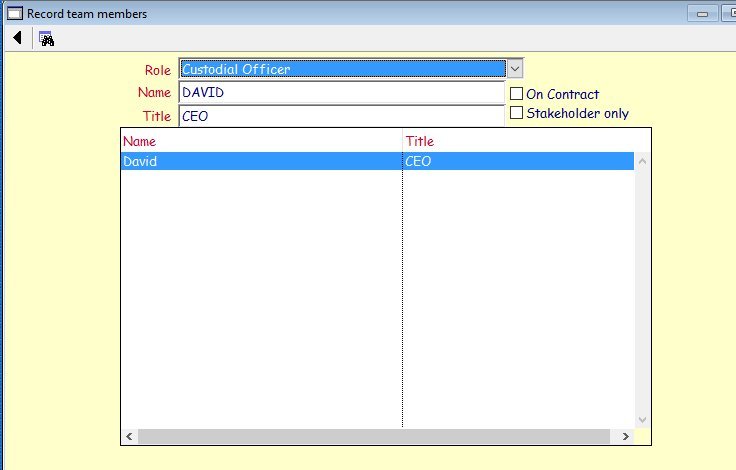 This screen displays all the team members taking part in the development of the business objectives. It allows a RA1 to add, modify, delete team members. Via the Toolbar guis, the RA1 will also be able to export the measures hierarchy in spreadsheet and printable format (for inclusion in the proof of concept). By selecting a member from the list and right clicking on the name, the RA1 will be able to • Add new key (KPI) and performance (PI) indicators with the appropriate accountability levels • View, modify or delete a staff member's accountability • List all accountabilities • List an individual staff member's accountabilities On selecting the Add function from the drop down menu, the following screen will be displayed: 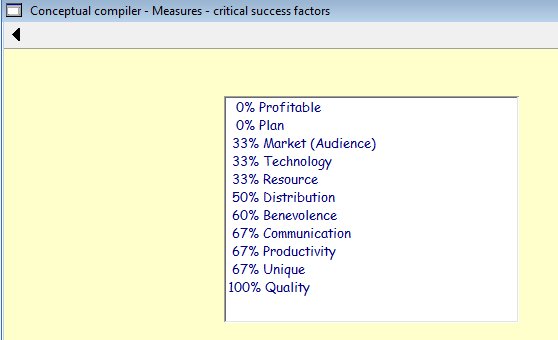 The RA1 will be able to assist the 5 COs to carry out a number of functions by selecting the appropriate value. To ensure a 'democratic' approach to identifying and recording measures, at least 3 COs should be interviewed. At least one who had the value as their need, and 2 as a want. This can be ascertained by viewing each members individual ranking graph. Or perhaps at least one CO who ranked the value poorly and 2 others. Ripose can provide a template of measures that can be used to 'kick start' the sessions, or at least a series of questions that can be asked about each value to 'draw out' the appropriate measure. On selecting the appropriate value, the following screen will be displayed: 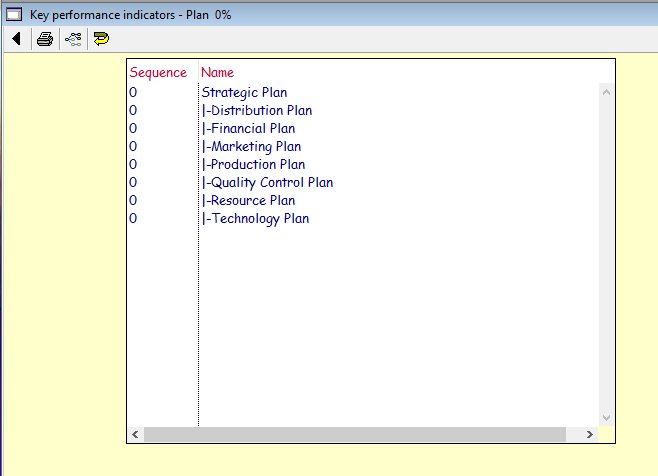 The RA1 will now be able to assist the CO to add, view, insert, remove, move, modify, publish and attach an accountability level to any level of measure (an infinite number of PIs but limited to 11 levels per KPI). The list is sorted in alphabetic sequence, but can be controlled by the use of the sequence number. On selecting the add or modify function, the following screen will be displayed (blank for new or populated with previous values for an existing measure): 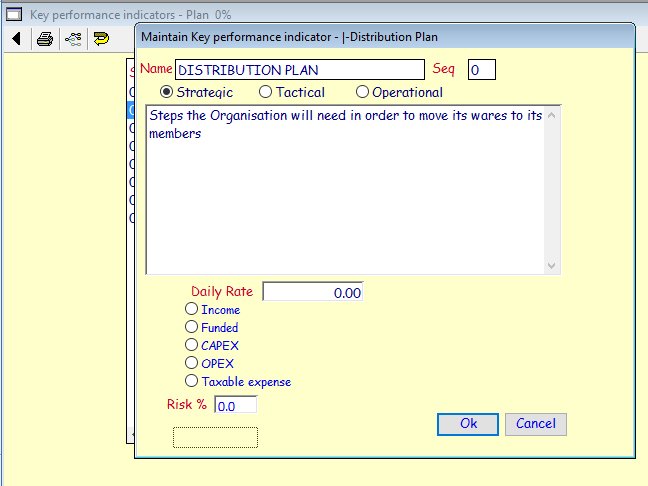 It is this screen that the RA1 together with the CO will be able to assign an appropriate level of importance (strategic, tactical or operational), sequence number (for sorting), the daily monetary rate the measure is likely to attract, the type of accounting view (income, funded etc) and the risk that the performance indicator may attract if it falls outside this rate. On selecting the accountability level from the menu on the KPI list, the following screen will be displayed: 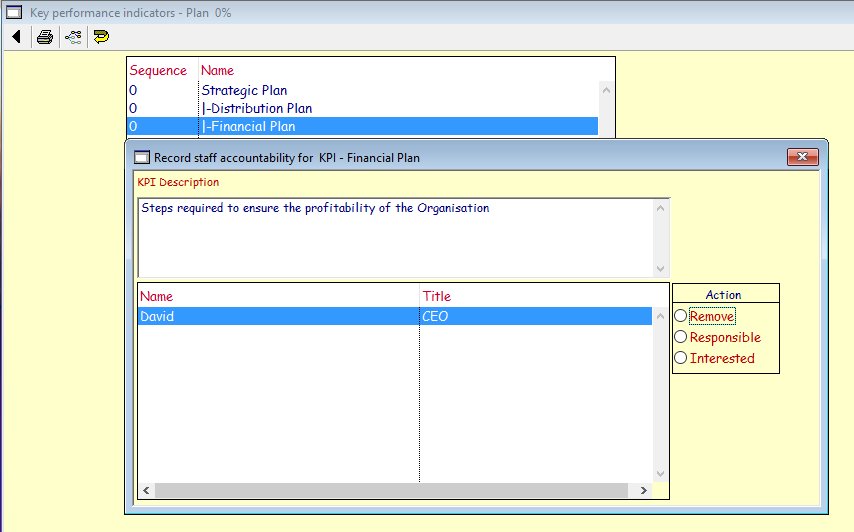 The RA1 together with the CO can either remove the accountability, make them responsible for or have an interest in the PI. |